
Scritchy Scratchy win your job achievement Speedrun Guide
Follow a player video’s route for the Scritchy Scratchy win your job achievement, with upgrade and automation tips for this 30-minute speedrun.
Jump to
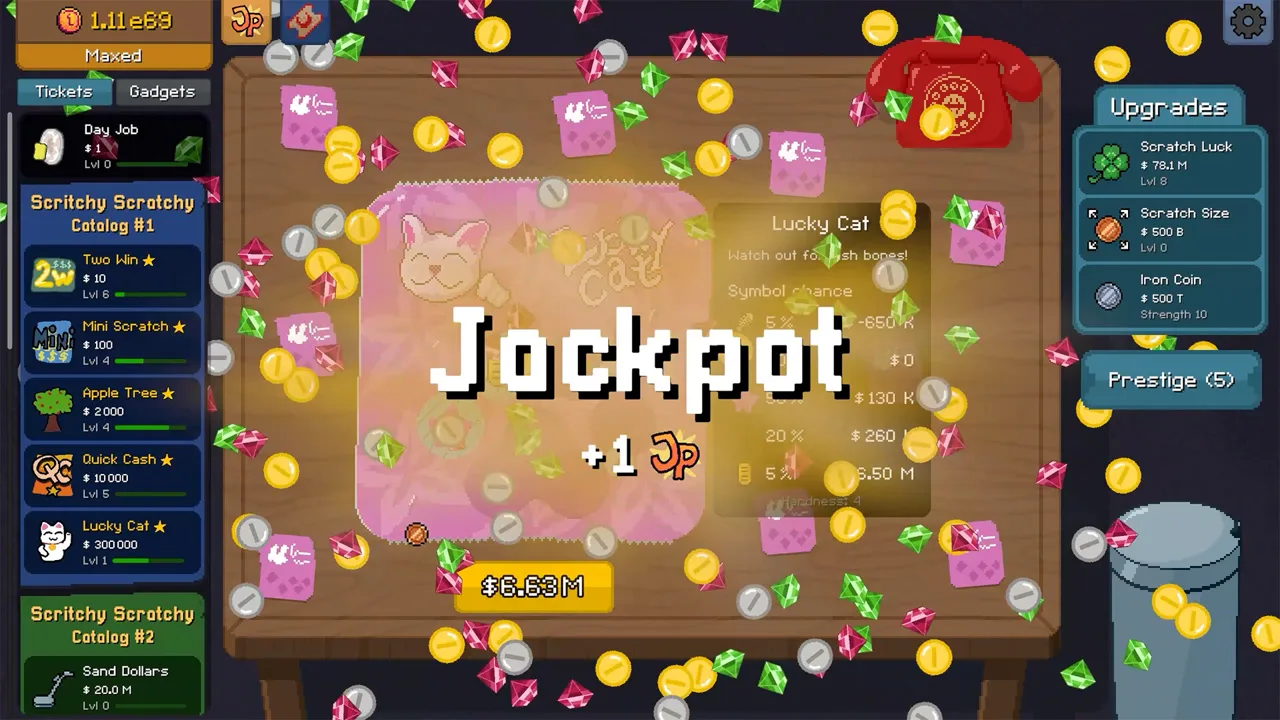
A fast route to the 30-minute finish
The Scritchy Scratchy win your job achievement is a race against the clock, so a clear upgrade order can help you keep the run moving. The Scritchy Scratchy win your job achievement is listed in an achievement guide as Speed Run, which requires completing the game within 30 minutes after prestige. A player video demonstrates a route built around buying scratch luck, advancing through cards, and improving automation.
The video’s run takes 17 minutes and 48 seconds, but that is a result from the video, not a guaranteed time for every setup. The player begins with many upgrades already purchased and says that a fully upgraded setup is not required, although having more upgrades makes the run easier. Use the route as a guide to the repeated actions shown, and adjust the pace to your own earnings and available upgrades. That makes this route a useful reference for the Scritchy Scratchy win your job achievement.
| Goal | What the sources say | How to use that information |
|---|---|---|
| Finish in time | The achievement guide lists a 30-minute limit after prestige. | Keep checking for available cards and upgrades as earnings rise. |
| Build earnings | The player video repeatedly buys scratch luck and advances to newly affordable cards. | Use luck and card progression as the core of the route. |
| Keep cards moving | The video uses the scratch bot, subscription bot, and egg timer. | Monitor automation and help clear cards when needed. |
Set up your run and keep the early loop moving
For the Scritchy Scratchy win your job achievement, the player video begins with upgrades already purchased, including a starting-money upgrade. The narrator says that a fully upgraded setup is not required, but having more upgrades makes the run easier. That context matters: the video shows one route, not a minimum-upgrade checklist.
 Image: YouTube / Markiplier
At the start, the player buys available scratch tickets and feeds them to the scratch bot. As earnings come in, the route adds scratch luck and the next card the player can afford. The video also picks up The Machine early. Feeding money into it raises the coin multiplier, which the player uses to increase later earnings. A good approach is to check whether The Machine can be upgraded as your balance grows.
| Early action | What the player does |
|---|---|
| Buy available cards and feed them to the scratch bot | Starts the automated ticket-processing loop shown in the video. |
| Invest in scratch luck | The player makes luck purchases throughout the run. |
| Pick up The Machine when affordable | Feeding it money increases the coin multiplier. |
| Buy the trash can early | The player notes that it costs $2 and buys it near the beginning. |
| Scratch some cards manually | The player does this to earn extra money while the bot is slow. |
The early game follows a repeating pattern: buy a card, feed it to the bot, upgrade luck, then check for the next card and other available improvements. You can check for new purchases while earlier cards are still being processed. The player moves forward as earnings allow rather than waiting for every ticket to finish first.
The video’s player suggests buying a couple of luck upgrades around the time a new card becomes available instead of immediately spending everything on that card. That is a strategy from the video, not a fixed requirement. If your earnings are moving steadily, continue with the route; if not, consider another luck upgrade before buying the next batch.
The player also chooses to avoid Apple Tree. The video explains that the worm on this card can produce a negative result when the scratch bot handles it. That is a route preference, so you can factor it in when choosing among available cards. The video does not present avoiding Apple Tree as necessary for the achievement.
Use automation and upgrades to protect your pace
For the Scritchy Scratchy win your job achievement, automation is central to the video’s route. The scratch bot processes tickets while the player earns money, and the subscription bot is switched to the current target card as the run advances. The player also watches the egg timer, which speeds up the scratch bot. When the timer shakes, the video says it has run out and should be clicked to charge it again.
 Image: YouTube / Skoottie
If you have the relevant hotkeys unlocked, the video uses S for the magic ability and Space to clear cards more quickly. These are optional conveniences in the player’s setup, not achievement requirements stated by the sources. The player also manually scratches cards when the bot is slow or when the pile needs attention.
| Upgrade or helper | Player video’s use | Practical reminder |
|---|---|---|
| Scratch bot speed and strength | The player prioritizes these, then adds capacity. | Check the bot when tickets start piling up. |
| Egg timer | Speeds up the bot; the player recharges it when it shakes. | Keep an eye on its state during busy stretches. |
| Subscription bot | Works on the selected card. | Switch it as you move to a new target. |
| Magic hotkey | Press S to activate the ability, if unlocked. | Use it when it helps with scratching. |
| Space bar | The player uses it to clear cards quickly. | It can help when the bot is falling behind. |
| The Machine | Money fed into it raises the coin multiplier. | Check for an affordable upgrade as your balance grows. |
As more cards become available, the video keeps the same basic rhythm: move the subscription bot to the current card, buy scratch luck, and purchase useful upgrades when affordable. The player prioritizes scratch bot speed and strength, then capacity. Later, the player adds buying speed and timer improvements to keep the system moving.
The Machine’s multiplier rises as the player feeds it money. In the video, its display moves from 1.4x to 1.5x, later reaches 2x, and then 2.2x. Those are checkpoints from that run, not required targets or a schedule. A good approach is to check The Machine regularly and upgrade it when you can do so alongside your next card purchase.
The player does not prioritize scratch size or the iron coin at first, but upgrades the coin later because some cards may require it for the magic ability. That choice depends on what is happening in your run. If the ability says your coin is not strong enough, the video’s route adds a coin upgrade; otherwise, it focuses more on luck and automation.
Advance through cards without losing momentum
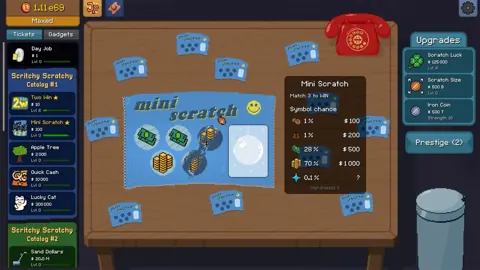
For the Scritchy Scratchy win your job achievement, the player’s run progresses through several catalogs, moving to higher-value cards as earnings rise. The video calls out Quick Cash, Total Scratch Card, Snake Eyes, Bomb, Bank Break, Xmas Countdown, Thrift Store, Berry Picking, Trick or Treat, Slot Machine, and To the Moon. It does not give a universal purchase threshold for every card, so use affordability and your income rate as your guide.
 Image: Steam / Lunch Money Games
When a new card opens, update the subscription bot and continue investing in luck. The player often buys batches of 25 when that quantity option is available, but also lets the subscription bot handle a card when its pace is sufficient. Manual scratching can give an early boost if the automated system is taking too long to process a new, valuable card.
| Part of the run | Route shown in the player video | Focus |
|---|---|---|
| Early cards | Quick Cash, then Total Scratch Card | Build earnings and keep buying luck. |
| Middle progression | Snake Eyes, Bomb, then Bank Break | Switch the subscription bot as card options change. |
| Later catalogs | Xmas Countdown, Thrift Store, and Berry Picking | Continue upgrading bot speed and The Machine. |
| Late game | Trick or Treat, Slot Machine, then To the Moon | Keep the egg timer charged and use faster processing. |
The player recommends keeping the egg timer active and increasing bot speed as the run gets busier. Capacity matters too, but the video prioritizes speed and strength ahead of capacity. If cards accumulate faster than the bot can process them, help by scratching manually or using the available hotkey. That advice follows the video’s approach to clearing a backlog.
The route changes the subscription bot’s target as new cards become available. For example, the player switches it to Snake Eyes, then Bomb, then later cards including Thrift Store and Berry Picking. When the player reaches Trick or Treat, they update the bot again and buy more scratch luck. These switches keep the automation focused on the card currently supporting the run.
The player also describes letting the subscription bot process Berry Picking rather than buying 25 cards at a time, because the bot is already moving quickly enough. That illustrates why the route is flexible: batch purchases are useful when available, while automation can handle the work when its pace is sufficient. Watch the tickets and adjust your own actions to what the bot is processing.
Keep the late-game route moving
The later part of the player video continues the same cycle of buying newly available cards, upgrading luck, and improving automation. After Trick or Treat, the player buys Slot Machine and then To the Moon. The video describes the money increasing as To the Moon tickets start processing, and the player scratches some tickets manually to get an early boost.
The player continues buying scratch luck while those cards are processed. They also finish available upgrades, including scratch bot speed, buying speed, and timer improvements. The narrator says Warp Speed speeds up the egg timer and describes the scratch bot processing tickets very quickly afterward. These are details of the demonstrated run; the video does not give a required upgrade checklist for every player.
The route’s practical lesson is to keep checking three things: which card is currently available, whether scratch luck can be increased, and whether the scratch bot or timer has an upgrade ready. That follows the player’s repeated actions throughout the video. If the bot cannot keep up with the tickets, manual scratching and the available hotkeys are ways the player helps clear them.
The achievement guide describes Speed Run as completing the game within 30 minutes after prestige. The player video provides a route and a 17-minute-and-48-second result, while also showing that the narrator starts with many upgrades already purchased. Treat the time as an example of what happened in that run, and use the card and upgrade sequence as a practical reference for your own attempt at the Scritchy Scratchy win your job achievement.
FAQ
What does the Scritchy Scratchy win your job achievement require?
The achievement guide lists Speed Run as completing the game within 30 minutes after prestige. The player video records a run time of 17 minutes and 48 seconds.
Do I need every upgrade before starting?
The player video begins with many upgrades already purchased and says that a fully upgraded setup is not necessary, though more upgrades make the run easier. The sources do not specify a minimum upgrade list.
Which cards does the player use in the route?
The video names cards including Quick Cash, Total Scratch Card, Snake Eyes, Bomb, Bank Break, Xmas Countdown, Thrift Store, Berry Picking, Trick or Treat, Slot Machine, and To the Moon. The route moves to higher-value cards as earnings rise.
Which controls can speed up scratching?
In the player’s setup, S activates the magic ability and Space helps clear cards quickly, provided those hotkeys are unlocked.
For more detail on the route, see the player’s Scritchy Scratchy speedrun trophy tutorial.
Continue with
 Scritchy Scratchy achievements: A Guide to Every UnlockLearn how to unlock Scritchy Scratchy achievements, from catalog milestones and lucky jackpots to automation, plate washing, and 100% completion.
More in Achievements
Scritchy Scratchy all achievements: For Full Completion
Learn how to unlock every Scritchy Scratchy achievement, from catalog milestones and plate washing to Night Market cosmetics and 100% completion.
Scritchy Scratchy badge collection and Achievement Tips
Plan your Scritchy Scratchy badge collection with achievement conditions, efficient strategies, and tips for luck, day jobs, catalogs, and the Night.
Scritchy Scratchy faithful servant Achievement Guide
Learn why keeping the Golden Ticket prize does not unlock Faithful Servant, and how Catalogue 4 and Final Chance factor into the achievement.
Scritchy Scratchy Good Luck Achievement Guide (Jackpot)
Learn the Good Luck achievement requirement in Scritchy Scratchy and follow a community guide's setup for trying to land a first-ticket jackpot.
Join the community
Official channels for news, updates and player help: