
Scritchy Scratchy egg timer: Wind It Up to Speed Tools
Learn how to wind up the Scritchy Scratchy egg timer with quick clicks, keep its speed-up active with occasional clicks, and understand player reports.
Jump to
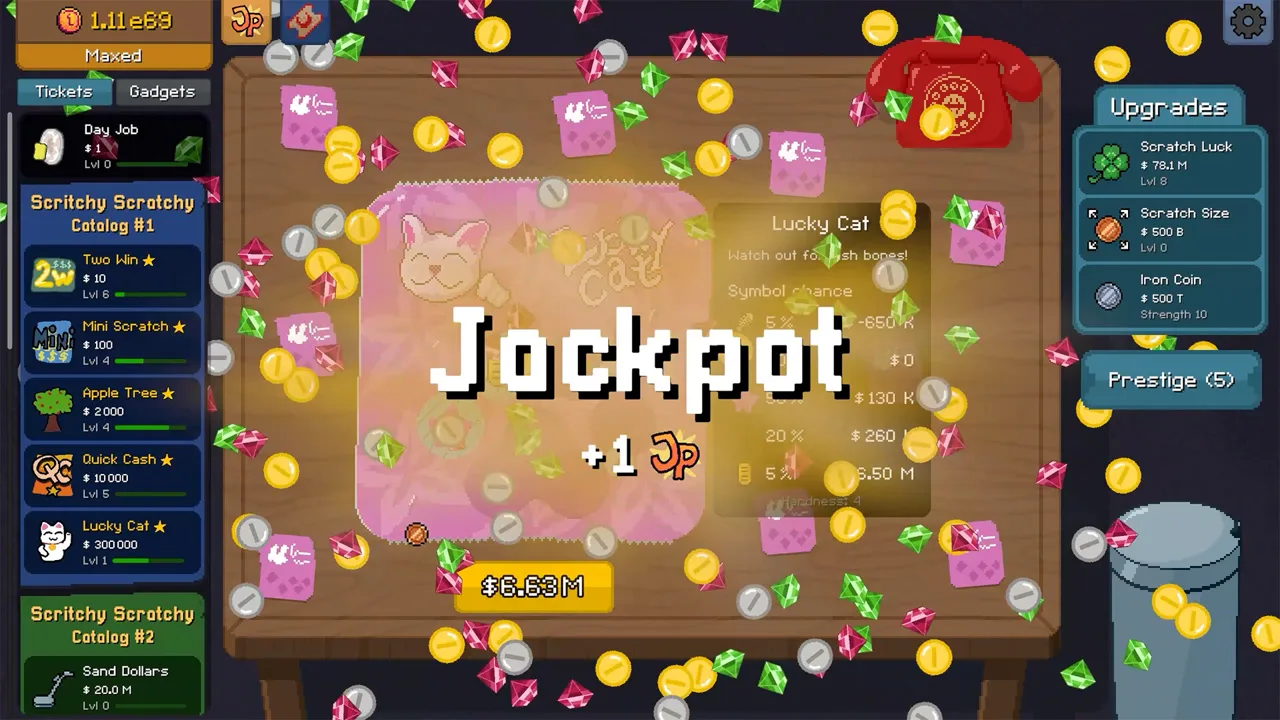
The Scritchy Scratchy egg timer can speed up the activity of your other tools, so knowing how to use it can help you make more of your time in a run. The key is to wind it up with quick clicks, then give it another click from time to time while it is ticking. Here’s what community reports explain about the Scritchy Scratchy egg timer, plus practical ways to use that information without assuming mechanics the reports do not confirm.
How the Scritchy Scratchy egg timer works
In a Steam community discussion, players describe the egg timer as a way to accelerate time for the game’s other tools. Clicking the timer adds a small increment, and clicking it rapidly winds it up. While the timer is ticking, time moves faster for the other tools; another click now and then helps maintain that speed-up.
That gives the timer a simple rhythm: build it up, let it tick, and refresh it as needed. The community explanation does not give a precise duration, speed multiplier, or number of clicks required. Treat the effect as a temporary boost rather than a setting that stays active indefinitely.
| Player-reported action | Player-reported effect | What to keep in mind |
|---|---|---|
| Click the egg timer | Adds a small increment | The report does not specify the exact amount |
| Click it rapidly | Winds up the timer | No required click count is given |
| Let it tick | Speeds up time for other tools | The report does not quantify the speed increase |
| Click it again while it ticks | Helps maintain the speed-up | Check the timer during play; no exact refresh interval is provided |
These details come from player experience in the community discussion, not from an official mechanic guide. The Scritchy Scratchy Nintendo Switch store page is an official product listing, but the timer instructions here are based on community reports.
The useful distinction is between adding time and activating the effect. The discussion says an individual click adds a small amount, while rapid clicking is the way to wind the timer up. It does not say that a single click produces the same active period as a rapid series. If you are trying the mechanic, observe whether the timer is ticking after your clicks and use that visible state to understand when the reported speed-up applies.
The effect is described generally as speeding up the other tools. The community post does not name those tools one by one, so it does not support a more specific list of what benefits. Keep the expectation broad: the reported effect concerns the game’s other tools, and the timer’s ticking state is the clue the discussion gives for whether that effect is active.
A practical way to use the timer
A good approach is to wind up the Scritchy Scratchy egg timer before you want the other tools to progress more quickly. Once it starts ticking, watch for the effect to lapse and click again to maintain it. This follows the reported mechanic directly: rapid clicks build the timer, and occasional clicks sustain its active period.
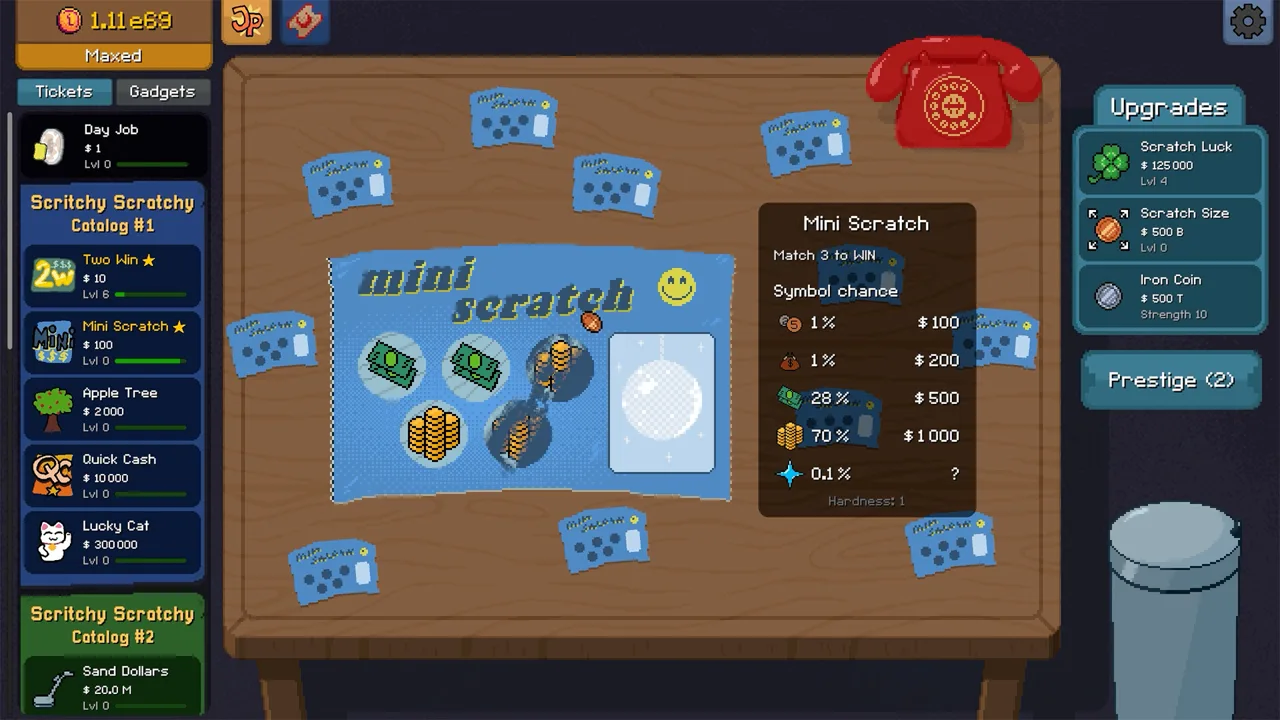 Image: Steam / Lunch Money Games
There is no sourced number for how often to click. Instead of relying on a fixed schedule, use the timer’s visible state as your cue. If it is still ticking, the reported speed-up is active; when you want to keep that boost going, click it again. This is practical advice based on the community explanation, not a confirmed timing formula.
| Situation | Suggested action | Why |
|---|---|---|
| You want to start the boost | Click rapidly to wind up the timer | Community reports say rapid clicks wind it up |
| The timer is ticking | Let it run while other tools operate | The reported speed-up applies while it ticks |
| You want the boost to continue | Click the timer again from time to time | Players report that extra clicks maintain the effect |
| You are unsure whether it is active | Look at the timer’s current state | The discussion provides no exact duration or schedule |
Think of the egg timer as something to check alongside your other actions, not as a one-time activation. You can build the habit of glancing at it when you switch focus or notice that the boost has stopped. That is a convenient routine, but the available report does not say that switching tasks or waiting for a specific event is required.
A simple way to apply the report is to separate the routine into two observations: first, whether rapid clicks have started the timer ticking; second, whether it is still ticking when you want the other tools to move faster. This does not require a guessed click total or a stopwatch schedule. It uses only the behavior described in the discussion and leaves room for the timer’s visible state to guide your next click.
If you are learning how the mechanic responds in your own run, change one thing at a time. Click rapidly to wind it up, then watch the timer while the other tools are active. When it stops ticking, try clicking again and see whether the ticking resumes. That is an observation-based tip, not a claim about a hidden rule or a guaranteed result. The community report supports the general sequence, but it does not provide a precise formula for measuring the boost.
What the reports confirm—and what they leave open
The community exchange answers the core question: the Scritchy Scratchy egg timer accelerates time for the other tools while it is ticking. It also clarifies that repeated clicks add time in small increments. Those points are enough to explain the basic use of the mechanic.
 Image: YouTube / Skoottie
The discussion does not establish every detail a player might want before planning around the timer. It gives no numerical values for its duration, acceleration rate, or click increments. It also does not list which tools are affected or identify a specific unlock condition. Avoid treating guesses about those details as confirmed instructions.
| Detail | Supported by community reports? | How to use the information |
|---|---|---|
| The timer can be wound up by rapid clicks | Yes | Use rapid clicks to build it |
| Each click adds a small increment | Yes | Expect repeated clicks to contribute |
| Other tools run faster while it ticks | Yes | Use the active period to speed up their progress |
| More clicks can maintain the boost | Yes | Refresh it occasionally while it is ticking |
| Exact boost duration or multiplier | No | Do not plan around an assumed number |
| A specific tool-by-tool effect list | No | The discussion refers to other tools generally |
| Unlock requirements or a required upgrade | No | The reports do not describe how the timer becomes available |
This distinction matters because a mechanic can be useful without having a fully documented formula. You can rely on the reported behavior while remaining flexible about timing. If your own game shows a different timer state or response, use what you can observe rather than assuming the community post covers every version or situation.
The exchange also helps separate what players directly describe from what a player might infer. Rapid clicking winds up the timer; each click adds a small increment; and the other tools speed up while it ticks. The post does not explain whether every click has an identical effect, how long ticking continues, or whether the speed-up has different strengths. Those unanswered points are reasons to avoid turning a general description into exact instructions.
For practical purposes, the confirmed information is enough to try the mechanic without relying on an invented number. Watch the timer, note whether it is ticking, and use extra clicks when you want to maintain the reported effect. If you are comparing what happens across attempts, keep your conclusion limited to what you can see: the discussion describes a speed-up during the ticking period, but it does not specify an ideal click rate or a guaranteed duration.
Tips for getting value from the speed-up
The main practical tip is to connect the Scritchy Scratchy egg timer to a task you already want to accelerate. Wind it up, then let the other tools work during its ticking period. Because players report that the boost lasts only while the timer is ticking, it makes sense to check back instead of assuming one wind-up covers the rest of a session.
 Image: Steam / Lunch Money Games
You can also avoid over-focusing on click counts. The available player experience says that each click increases the timer by a small amount, but it does not provide a target count. Use the game’s feedback to decide whether to click again. That keeps the advice grounded in the reported mechanic without inventing a precise optimal routine.
| Tip | How to apply it | Evidence level |
|---|---|---|
| Wind it up when you want faster tool activity | Click rapidly, then let the timer tick | Directly described by players |
| Refresh it periodically | Add clicks while it is still ticking | Directly described as a way to maintain the boost |
| Watch the timer rather than a clock | Use its ticking state as your cue | Practical advice based on the reported active period |
| Keep expectations flexible | Do not assume a fixed duration or multiplier | Those values are not included in the report |
The egg timer is a small mechanic, but its purpose is easy to miss if you only treat it as an object to click. The player reports explain that its value comes from affecting the pace of other tools. Once you understand that relationship, the basic loop is straightforward: wind it up, benefit from the ticking period, and click again when you want to keep the speed-up active.
For a steady routine, make the timer part of your attention check rather than a separate task with a fixed schedule. When you start the speed-up, look for the ticking state; while it continues, let the other tools run; and if you want to maintain the boost, click the timer again from time to time. This approach follows the player-reported behavior while leaving the timing flexible.
The community discussion does not say that you must keep clicking constantly. It describes rapid clicks to wind the timer and occasional additional clicks to maintain the speed-up. That is a useful difference when deciding how to interact with it: the initial winding and later maintenance are described as related but distinct actions. Since no exact interval is provided, use the ticking state as your practical reference rather than treating “occasionally” as a precise schedule.
FAQ
What does the Scritchy Scratchy egg timer do?
Community reports say that while it is ticking, it speeds up time for the game’s other tools.
How do you wind up the Scritchy Scratchy egg timer?
Click it rapidly. Players report that each click adds a small increment, though they do not specify an exact number of clicks.
Do you need to keep clicking the egg timer?
To maintain the speed-up, community reports recommend clicking it occasionally while it is ticking. The reports do not give a precise refresh interval.
How long does the egg timer speed-up last?
The available community reports do not state an exact duration or multiplier. They describe the boost as active while the timer is ticking.
Continue with
 Scritchy Scratchy loan shark skill and the Loan OptionLearn what community reports say about Scritchy Scratchy loans, when the option may return, and why borrowing advice is not a fully documented game rule.
More in Mechanics
Scritchy Scratchy mundo: How the Cat Handles Tickets
Learn how Mundo handles leftover tickets in Scritchy Scratchy, why you must complete winning tickets yourself, and what to know about the cat.
Scritchy Scratchy night market: Unlocks and Red Tokens
Learn how Prestige progression unlocks the Scritchy Scratchy Night Market, how badges provide Red Tokens, and why a manual run reset may be needed.
Scritchy Scratchy spell book: How Its Ticket Spells Work
Learn what the Scritchy Scratchy spell book is described to do, how the player video shows its effect, and what the creator says about using it.

Scritchy Scratchy tickets: Costs, Risks, and Catalogs
Compare Scritchy Scratchy tickets by catalog, listed cost, and risk description, then use practical tips to plan your next scratch and prestige.
Join the community
Official channels for news, updates and player help: