
Scritchy Scratchy night market: Unlocks and Red Tokens
Learn how Prestige progression unlocks the Scritchy Scratchy Night Market, how badges provide Red Tokens, and why a manual run reset may be needed.
Jump to
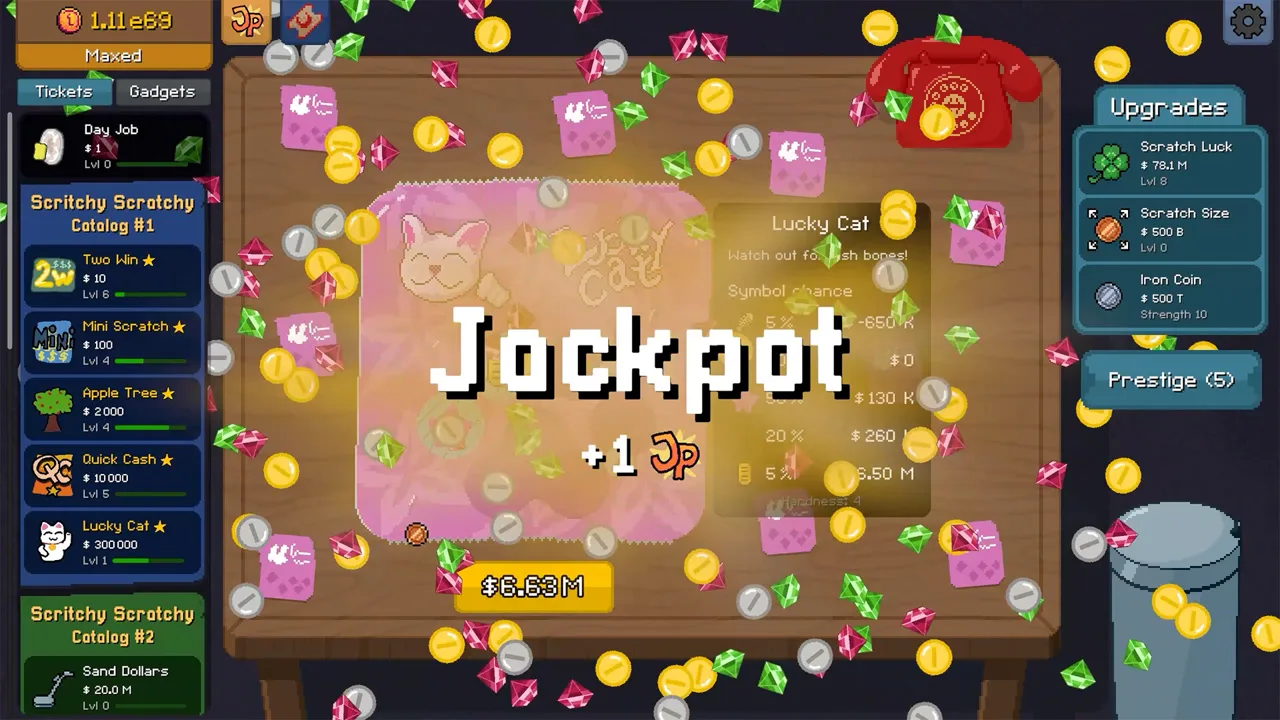
The Scritchy Scratchy Night Market is a cosmetic shop that unlocks through Prestige progression. Knowing how to unlock the Scritchy Scratchy Night Market—and where its Red Tokens come from—can save you from searching menus or expecting badge rewards to appear automatically. Here’s how the guide describes the unlock, how to claim badge rewards, and what it lists for players who find their ticket total is short.
How to unlock the Scritchy Scratchy Night Market
The shop is tied to the Prestige tree. The guide says to progress far enough to earn the relevant Prestige upgrade, then go to the Gadgets tab in the main menu and purchase Badge Collection for $50,000,000. It also says you must manually reset a run at least once to find the Prestige upgrade.
After earning the Prestige upgrade and purchasing Badge Collection, click the new shop icon near the top-left of the screen, beside the JP tab. The guide describes the Prestige unlock as costing around 10 Jackpot Points (JP). Treat that figure as approximate; the source does not give a more exact amount.
| Step | What to do | Detail from the guide |
|---|---|---|
| 1 | Manually reset a run | The guide says this is needed to find the Prestige upgrade. |
| 2 | Earn the relevant Prestige upgrade | The Night Market unlock is described as costing around 10 JP. |
| 3 | Open Gadgets | Find Badge Collection in the main menu’s Gadgets tab. |
| 4 | Purchase Badge Collection | The listed cost is $50,000,000. |
| 5 | Open the shop | After the Prestige upgrade and Badge Collection purchase, click the new icon near the top-left, beside the JP tab. |
A good approach is to check the steps in the order the guide gives: manually reset a run, look for the relevant Prestige upgrade, and then check Gadgets for Badge Collection. Once you have completed those steps, look beside the JP tab for the shop icon. The around-10-JP figure is approximate, and the guide does not specify a more precise threshold.
For more detail, see the Scritchy Scratchy Night Market unlock and token guide. It is a gaming guide, not an official game page.
How to earn and claim Red Tokens
In the Scritchy Scratchy night market, Red Tokens come from badge rewards. To collect them, open the Badge Collection book, scroll through its pages, and manually claim the rewards for badges you own. The guide says claimed Red Tokens appear in your inventory.
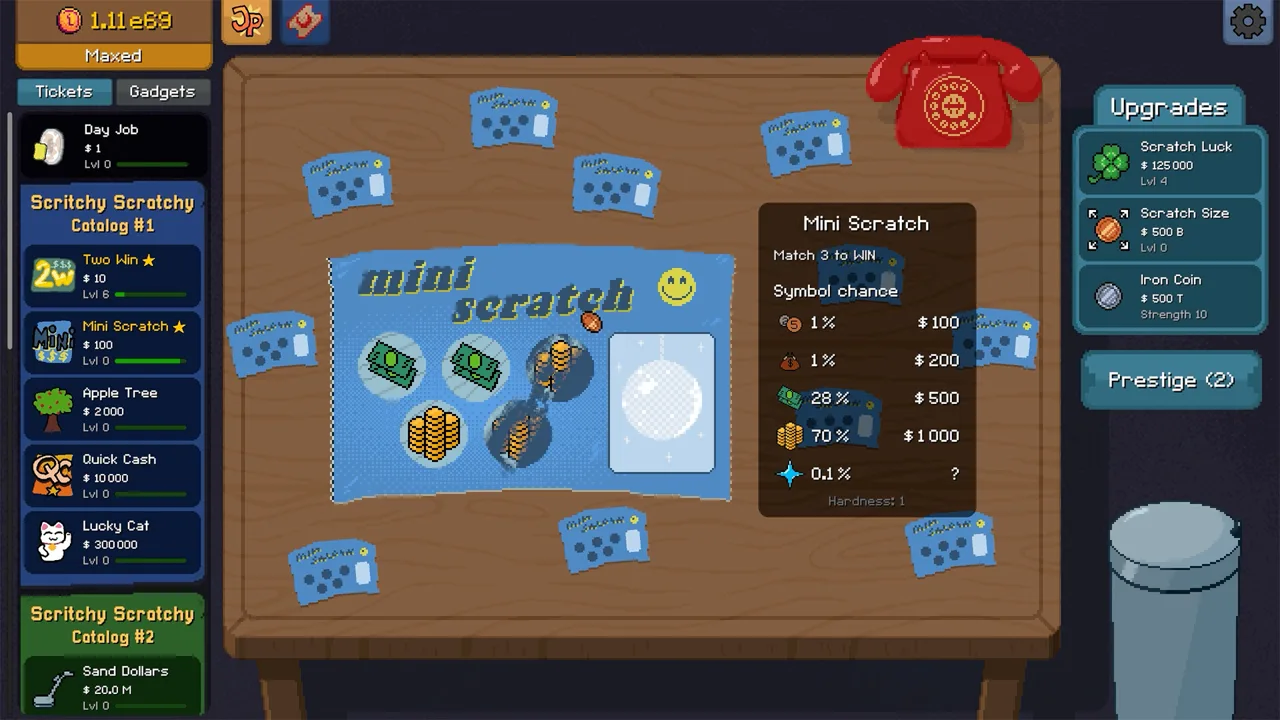 Image: Steam / Lunch Money Games
That claim step is easy to overlook when checking your balance. If you have badges but do not see the corresponding tokens, open the book and look for rewards with a claim button. After clicking it, check your inventory for the Red Tokens.
| Action | What to check |
|---|---|
| Open the Badge Collection book | Use the book after unlocking Badge Collection. |
| Review its pages | Look for rewards attached to badges you own. |
| Claim available rewards | Click the claim button for each badge reward you want to collect. |
| Check your inventory | The guide says claimed Red Tokens appear there. |
A practical way to keep track is to review the book after earning badges or before checking your token balance. The reference guide does not list badge-by-badge reward amounts, so it does not establish how many tokens a particular badge provides. Reviewing the pages and claiming available rewards gives you a direct way to check whether there is anything left to collect.
The guide also says to scroll all the way to the bottom of the Badge Collection. It notes that additional badges were added at the end of the list, so pages near the start may not show every badge. If you have already reviewed the book, check the final pages as well before deciding that you have claimed every reward available.
What the Night Market sells
The guide lists cosmetics across several categories in the Scritchy Scratchy Night Market, including cat skins, desk skins, fan skins, phone skins, and time gadgets. It identifies 12 items as additions in Patch 1.1 and lists five other cosmetics as original. The source does not give prices for individual items.
 Image: Steam / Lunch Money Games
| Item | Type | Listed release |
|---|---|---|
| Smart Egg Timer | Time Gadget | Patch 1.1 |
| Faberge Egg Timer | Time Gadget | Patch 1.1 |
| White Mundo | Cat Skin | Patch 1.1 |
| Orange Mundo | Cat Skin | Patch 1.1 |
| Grey Mundo | Cat Skin | Patch 1.1 |
| Tortoiseshell Mundo | Cat Skin | Patch 1.1 |
| Fancy Table | Desk Skin | Patch 1.1 |
| Dirty Table | Desk Skin | Patch 1.1 |
| Picnic Table | Desk Skin | Patch 1.1 |
| Galaxy Trash Can | Desk Skin | Patch 1.1 |
| Night Fan | Fan Skin | Patch 1.1 |
| Love Fan | Fan Skin | Patch 1.1 |
| Cream phone | Cosmetic Skin | Original |
| Blue phone | Cosmetic Skin | Original |
| Mahogany table | Desk Skin | Original |
| Rusty trash can | Desk Skin | Original |
| Pink trash can | Desk Skin | Original |
The inventory recorded in the guide includes several types of cosmetic variations. The Patch 1.1 entries include four Mundo cat skins, four table or trash can designs, two fan skins, and two egg timers. The original entries include two phone looks and three desk accessories. The source describes these as cosmetics and does not state that they change gameplay.
If you are checking for a particular item, use the names and categories in the table as a reference. The guide does not include individual prices, and its list does not establish what a particular player has unlocked. It is useful for identifying the cosmetics recorded in the guide, but it does not provide a price list or badge-by-badge token total.
Missing tickets and other troubleshooting
The guide’s Scritchy Scratchy night market section describes a missing-ticket issue that can leave players short of the amount needed for completion achievements such as Walk-In-Closet and Achievement Hunter. It says the shortfall may be five or 100 tickets. One suggested check is to scroll to the very bottom of the Badge Collection, where the guide says additional badges were added. It also suggests starting a fresh save if you are playing on an older version, because achievements may not load properly on older versions.
 Image: Steam / Lunch Money Games
| Situation | Check or option described in the guide |
|---|---|
| Badges are unlocked, but tokens are absent | Open the Badge Collection book and manually claim available rewards. |
| Ticket total seems short | Scroll to the bottom of the badge list and check for additional badges. |
| Playing on an older version | The guide suggests starting a fresh save as a possible fix for achievements that fail to load. |
| Looking for the shop | After the Prestige upgrade and Badge Collection purchase, click the icon beside the JP tab. |
The source presents the fresh-save option specifically in connection with playing on an older version. It does not promise that starting over will fix every missing-ticket problem. If you are considering that option, the guide’s other listed check is to look at the final pages of the Badge Collection for additional badges.
For a short ticket total, a good approach is to inspect the badge list all the way to its end and claim any rewards you find. The guide connects badge rewards with Red Tokens, while its missing-ticket section separately identifies the extra badges at the bottom of the list as a possible thing to check. It does not explain how each badge relates to the ticket total, so the reference does not support a guaranteed fix.
The guide also says to update the game before trying its community solutions. It does not give a step-by-step update procedure or say that updating alone resolves the issue. Its listed options are to check the end of the Badge Collection and, if playing on an older version, consider starting a fresh save. Those are the specific troubleshooting suggestions covered by the source.
FAQ
Do I need to prestige to unlock the Scritchy Scratchy Night Market?
Yes. The guide says the shop unlocks through the Prestige tree and that you must manually reset a run at least once to find the relevant upgrade. It describes the amount as around 10 JP.
How do I open the Night Market?
First earn the relevant Prestige upgrade, then purchase Badge Collection in the Gadgets tab for $50,000,000. The guide says to click the new shop icon near the top-left of the screen, beside the JP tab.
Why haven’t my badge rewards added Red Tokens?
The guide says you must manually claim rewards for badges you own. Open the Badge Collection book, review its pages, and click the claim button. Claimed Red Tokens should appear in your inventory.
What should I do if I am short on tickets?
Scroll to the bottom of the Badge Collection to check for additional badges. The guide also suggests starting a fresh save if you are playing on an older version where achievements may not load properly.
Continue with
 Scritchy Scratchy spell book: How Its Ticket Spells WorkLearn what the Scritchy Scratchy spell book is described to do, how the player video shows its effect, and what the creator says about using it.
More in Mechanics
Scritchy Scratchy egg timer: Wind It Up to Speed Tools
Learn how to wind up the Scritchy Scratchy egg timer with quick clicks, keep its speed-up active with occasional clicks, and understand player reports.
Scritchy Scratchy loan shark skill and the Loan Option
Learn what community reports say about Scritchy Scratchy loans, when the option may return, and why borrowing advice is not a fully documented game rule.
Scritchy Scratchy mundo: How the Cat Handles Tickets
Learn how Mundo handles leftover tickets in Scritchy Scratchy, why you must complete winning tickets yourself, and what to know about the cat.
Scritchy Scratchy tickets: Costs, Risks, and Catalogs
Compare Scritchy Scratchy tickets by catalog, listed cost, and risk description, then use practical tips to plan your next scratch and prestige.
Join the community
Official channels for news, updates and player help: