
Scritchy Scratchy Android: Price, Features, and Gameplay
See what Scritchy Scratchy offers on Android, including its price, scratch tickets, Scratch Bot, upgrades, and Prestige system. Includes tables and an FAQ.
Jump to
Is Scritchy Scratchy available on Android?
Scritchy Scratchy android turns scratch tickets into an incremental game built around revealing symbols, earning payouts, and opening new options. Scritchy Scratchy is available for Android as a paid download with in-app purchases. The listing also identifies it as a single-player game that can be played offline.
The Google Play page names Funday Games ApS as the developer. Its regular price was $6.99, with a promotional price of $4.89 at the time. Prices and promotions can change, so check the Scritchy Scratchy Google Play listing for the current offer.
| Android listing detail | Information shown |
|---|---|
| Developer | Funday Games ApS |
| Price shown | $6.99 |
| Promotional price shown | $4.89 |
| Content rating | Everyone 10+ |
| Content descriptors | Gambling Themes; In-Game Purchases |
| Play features | Single player, offline |
| Recent update shown | October 1, 2026 |
The listing describes Scritchy Scratchy as an idle incremental game with stylized presentation. It also labels the game with gambling themes and in-game purchases. Those details help explain the subject matter and purchase model before you start: scratching tickets and pursuing prizes are central to the game’s description.
The listing says the game is available on Android and Windows, with the Windows version powered by Intel technology. Its Google Play page includes a trailer, screenshots, ratings, reviews, and update notes alongside the purchase information. For Scritchy Scratchy android, these are the store details directly relevant to availability and the listed content.
How the scratch card gameplay works
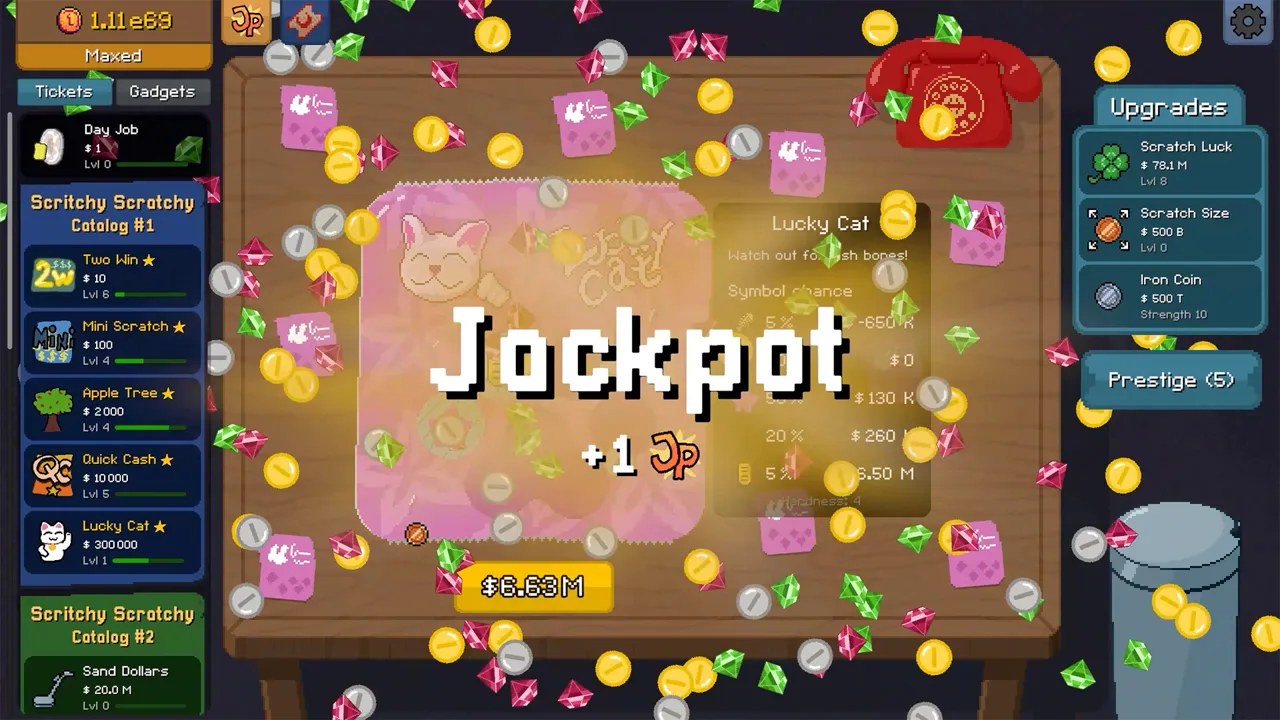
The core activity in Scritchy Scratchy android is scratching tickets with different rules and possible outcomes. The Google Play description says the game includes scratchers with distinct quirks, prizes, and downsides. It also describes upgrades for scratching, odds, and payouts. Because the rules vary, the instructions shown for a particular ticket matter.
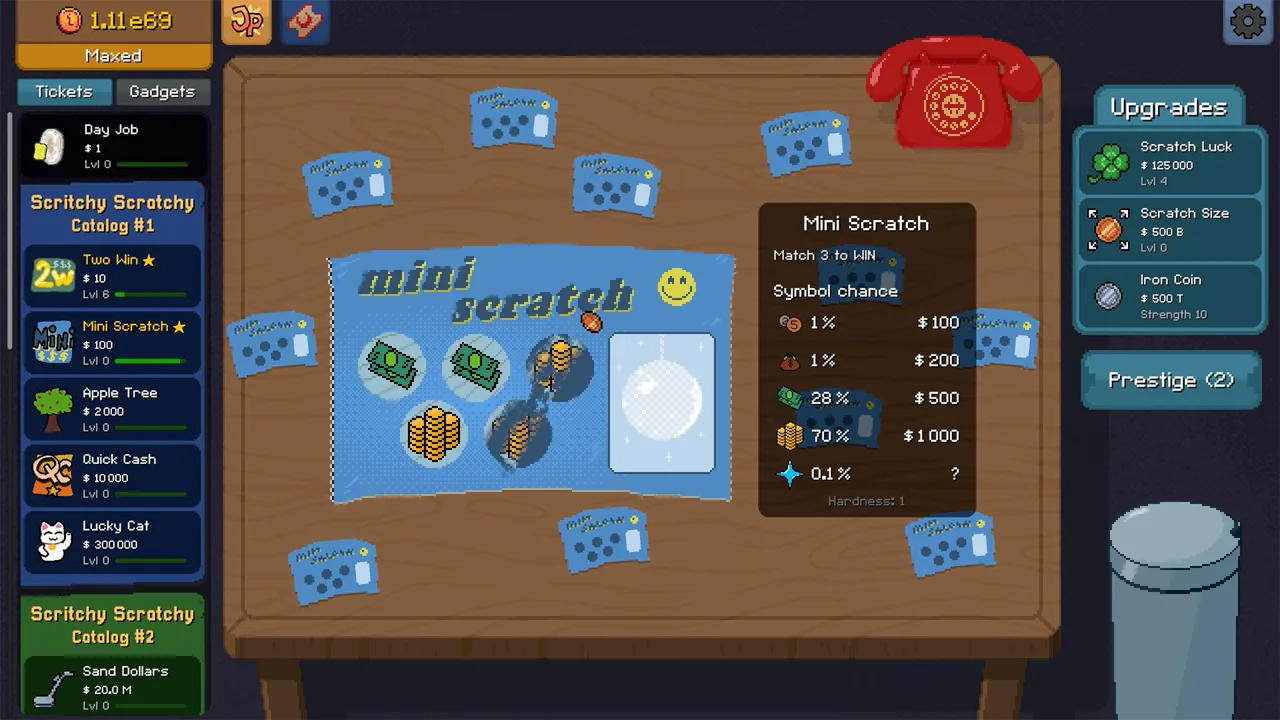 Image: Steam / Lunch Money Games
In one of Markiplier’s runs, the opening day job involves washing plates. In that run, the player later buys scratch tickets and tries several types, including a “two to win” ticket, a mini scratch ticket with a match-three condition, an apple-tree ticket, and quick cash. Compare those tickets as you upgrade and automate parts of the process. These are details from that player’s run, not a guarantee that every run will produce the same results.
| Game element | Details |
|---|---|
| Plate-washing job | Wash plates for money before moving to scratch tickets. |
| “Two to win” ticket | This ticket needs two matches to win. |
| Mini scratch ticket | Match three to win. |
| Apple-tree ticket | In that individual run, fully scratching a worm produces a negative payout |
| Quick cash | This is another ticket type with its own cost and scratching process. |
In Markiplier’s video, the “two to win” ticket feels quicker to the player than the match-three ticket at that point in the run. He also describes the apple-tree ticket’s worm as a hazard and later experiments with other tickets that have different prizes or risks. Those are individual outcomes, not a universal ranking of ticket types.
A useful tip from the ticket examples is to read the displayed condition and warnings before scratching. In that player’s apple-tree encounter, a warning says that fully scratching a worm gives a negative payout. The store description likewise says that some cards carry downsides. Treat each card’s stated rules as relevant to that ticket rather than assuming every scratcher works the same way.
Progress through new ticket types and upgrades. If you want exact details for a card, use the rules shown in your own game. Scritchy Scratchy android has several ticket formats, but no approach is confirmed to guarantee a profit.
Upgrades, automation, and ticket handling
Scritchy Scratchy android includes upgrades for scratching and for odds and payouts. The store page also names Scratch Bot, an unlockable mechanical helper that scratches tickets automatically. Upgrade scratch size, luck, strength, speed, and capacity, and use the Scratch Bot alongside manual scratching.
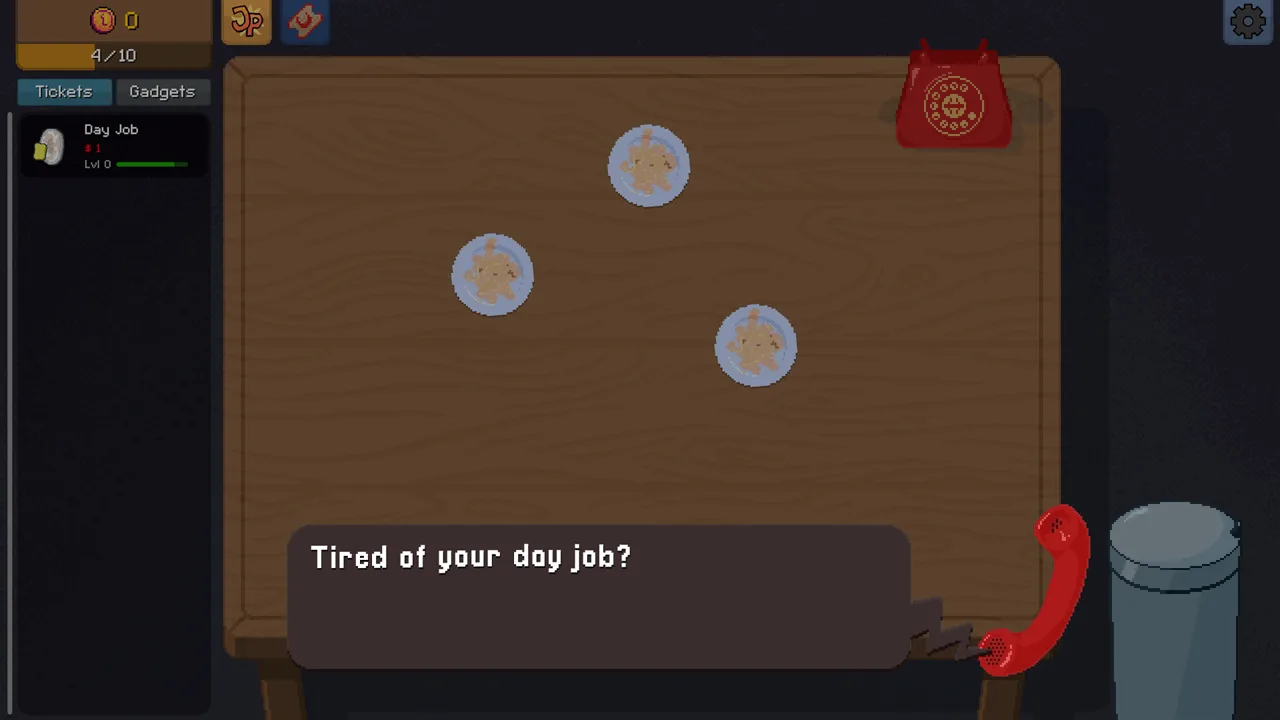 Image: Steam / Lunch Money Games
Use a table fan to move tickets toward the autoscratcher. A Google Play reviewer describes the sticky mat as a way to hold a ticket so it will not be blown into the autoscratcher. The developer’s reply says the mat can be useful for higher tickets with large deficits if scratched incorrectly. You may not need every tool.
| Upgrade or tool | Role |
|---|---|
| Scratch upgrades | The store describes upgrades for faster or easier scratching |
| Odds and payout upgrades | The store says upgrades can affect odds and payouts |
| Scratch Bot | The store describes it as an unlockable helper that scratches tickets automatically |
| Table fan | It moves tickets toward the autoscratcher. |
| Sticky mat | A reviewer and developer describe it as holding a ticket back from the autoscratcher |
Markiplier’s video shows him continuing to scratch tickets by hand after introducing the Scratch Bot. Later, he feeds tickets into the machine and upgrades its strength, capacity, and speed. This demonstrates both manual and automated play in that run; it does not mean that either method is required.
The Google Play reviews include a report that stylus controls worked after an update, and the developer replied that an update had fixed a stylus issue. The latest update notes shown on the listing also mention changes to smaller-screen panel fit and safer, more reliable saving. These are store-page statements and review details, rather than a promise about every device.
Loans, risk, and Prestige
Some Scritchy Scratchy android mechanics involve risks or tradeoffs. In Markiplier’s run, a loan displays a 6,000% interest rate and a random negative effect lasting until repayment. You can accept the loan and pay it back later. That is what happens in the recorded run; check the terms displayed in your own game before accepting a loan.
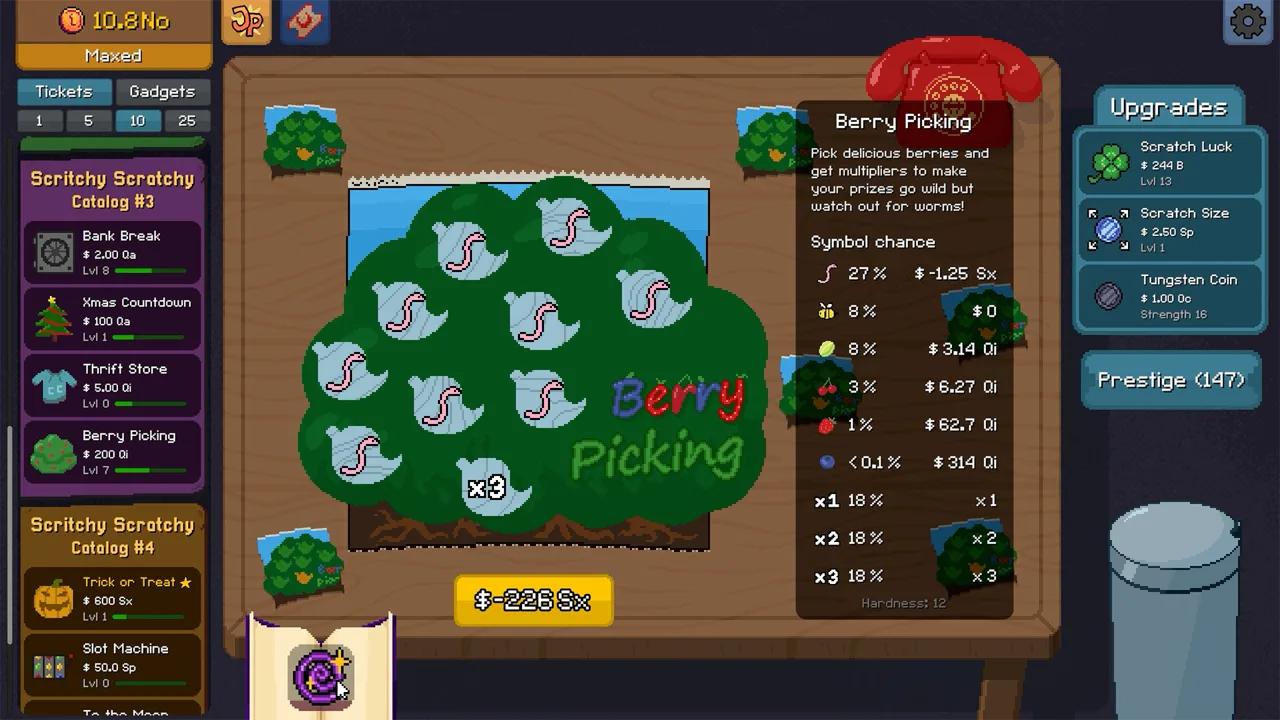 Image: Steam / Lunch Money Games
Watch out for ticket-specific hazards. On the apple-tree ticket, the player is warned that a fully scratched worm gives a negative payout. The store description more generally says some cards have downsides and that some offer large potential payouts at a cost of penalties. A good tip is to follow the warning and condition attached to the ticket you are scratching.
| Risk or reset system | Details |
|---|---|
| Loan | The loan has a 6,000% interest rate and a random negative effect until repayment. |
| Apple-tree worm | Fully scratching a worm produces a negative payout. |
| Other card downsides | The store description says some scratchers have downsides or penalties |
| Prestige | The store says Prestige resets a run and grants Jack Points for permanent upgrades |
The store description presents Prestige as a reset that grants Jack Points for permanent upgrades. Markiplier’s video shows him using Prestige, spending Jack Points on upgrades, and starting another run. The Google Play update notes say warnings were added before Prestige and abandoning a run.
A useful tip, based on those reset details, is to read the warning and consider the reset’s stated effect before confirming it. The store describes both parts of the system: Prestige resets a run, and Jack Points can buy permanent upgrades.
What to know before buying on Android
Scritchy Scratchy android is listed as a paid Android game with in-app purchases. The Google Play page identifies it as single player and offline, and labels it with gambling themes. Its description centers on scratching tickets, upgrades, and automated scratching, with Prestige available to reset a run and earn Jack Points.
The price was $6.99, with a $4.89 promotion at the time. It also showed an October 1, 2026 update. The update notes mention Dutch and Romanian language additions, 30, 60, and 120 FPS caps, warnings before Prestige and abandoning a run, improved fit for smaller screens, and fixes for Super Jackpot bugs and crashes. These are details listed for that update.
| Consideration | Store information |
|---|---|
| Price | $6.99, with a $4.89 promotional price at the time |
| Content | Gambling Themes; In-Game Purchases |
| Play format | Single player |
| Offline play | Listed as available |
| Update notes | October 1, 2026 notes include frame-rate caps, warnings, screen-fit changes, and fixes |
A Google Play review describes the game as a short, enjoyable experience and mentions a progression system that eventually creates an automated setup. Another reviewer says the initial plate-scratching pace felt slow, then reports becoming more engaged after a few rounds and seeing the strategy behind it. Your reaction may vary.
For Scritchy Scratchy android, the store listing provides the available platform, price, content labels, and play-format details in one place.
FAQ
Is Scritchy Scratchy available on Android?
Yes. The Google Play listing identifies Scritchy Scratchy as available on Android. It also lists Windows availability, with the Windows version powered by Intel technology.
Is Scritchy Scratchy free to play on Android?
The listing shows a paid price and in-app purchases. At the time of collection, it showed $6.99 and a promotional price of $4.89.
Can you play Scritchy Scratchy offline?
The Google Play listing marks Scritchy Scratchy as offline and single player.
Does Scritchy Scratchy have automation?
Yes. The store description says Scratch Bot can be unlocked to scratch tickets automatically. A table fan moves tickets toward the autoscratcher.
Continue with
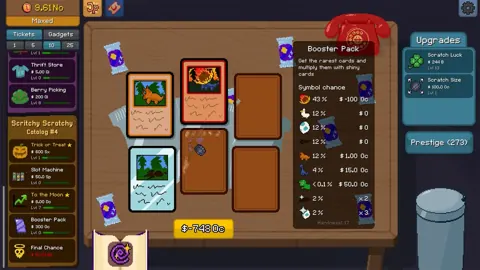 Scritchy Scratchy Mac: Availability, Gameplay, and ChecksCheck Steam’s macOS requirements before buying Scritchy Scratchy for Mac. Scratch tickets by hand, use upgrades, and enjoy automated scratching.
More in Platforms
Scritchy Scratchy Release Date: Platforms & Demo Guide
Scritchy Scratchy release date was March 18, 2026. Explore Windows and Mac support, Steam Deck compatibility, the free demo, pricing, and gameplay tips.
Scritchy Scratchy Cross Platform Saves: Transfer Guide
Scritchy Scratchy cross platform saves move progress between PC and mobile. Learn how to export, import, and keep your save string ready for transfers.
Scritchy Scratchy Xbox: Availability and Platform Guide
Scritchy Scratchy was unavailable on Xbox Series X|S and Xbox One on April 1, 2026. Explore Steam features, platform links, and available ways to play.
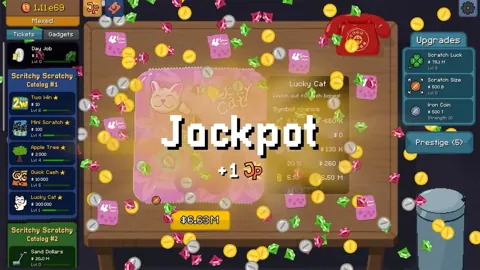
Scritchy Scratchy Pc: Steam Features, Tickets, and Upgrades
Explore Scritchy Scratchy on Steam, including ticket types, Scratch Bot, accessibility features, the listed demo, and store details about the PC release.
Join the community
Official channels for news, updates and player help: