
Scritchy Scratchy Mac: Availability, Gameplay, and Checks
Check Steam’s macOS requirements before buying Scritchy Scratchy for Mac. Scratch tickets by hand, use upgrades, and enjoy automated scratching.
Jump to
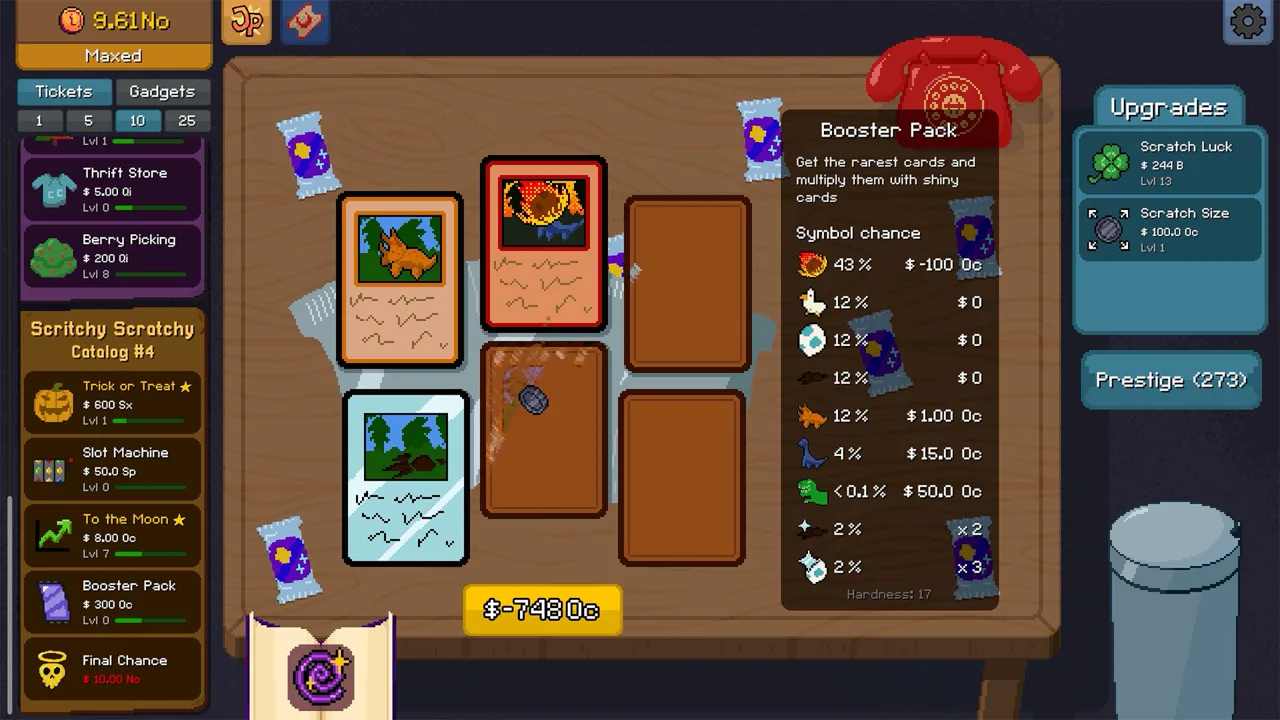
Can you play Scritchy Scratchy on Mac?
Scritchy Scratchy for Mac has a macOS section on Steam. Its minimum and recommended operating system, processor and graphics requirements are still marked TBD in the archived listing. For Apple devices, compatibility is specified for mobile devices; Mac compatibility is unspecified.
The core features include hands-on ticket scratching, upgrades, and automated scratching. The Scritchy Scratchy Apple App Store listing lists iPhone and iPad compatibility, including iOS 15.0 or later and iPadOS 15.0 or later. Use Steam’s macOS listing for the desktop edition.
| What the listing confirms | What to check on the listing |
|---|---|
| Steam lists a macOS edition | Specific macOS and hardware requirements remain TBD |
| iPhone requires iOS 15.0 or later | Whether the listed requirements match your iPhone |
| iPad requires iPadOS 15.0 or later | Whether the listed requirements match your iPad |
| The game is a scratch-card incremental simulation | The platform details for the version you intend to use |
Before buying for a Mac, check the current Steam macOS requirements. The archived Steam requirements are TBD; Apple’s iPhone and iPad requirements do not answer whether your Mac can run the desktop edition.
The older Apple mobile listing showed $4.89 and in-app purchases. That historical regional price is not a confirmed Mac-edition price. Check the current store for the platform and region you intend to buy.
What kind of game is Scritchy Scratchy?
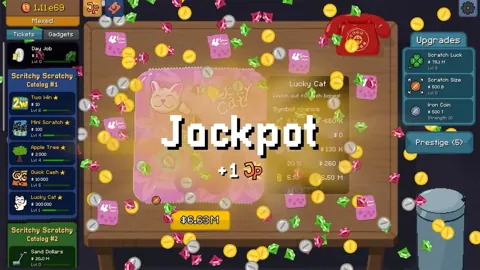
For anyone researching Scritchy Scratchy mac, Scritchy Scratchy is an incremental game built around virtual scratch-off tickets. The Apple listing describes a growing collection of scratchers, each with its own quirks, surprises, and sometimes downsides. It also mentions rare symbols, adjustable luck, and payouts that can become very large. Some upgrades affect odds and payouts; others make scratching faster or easier.
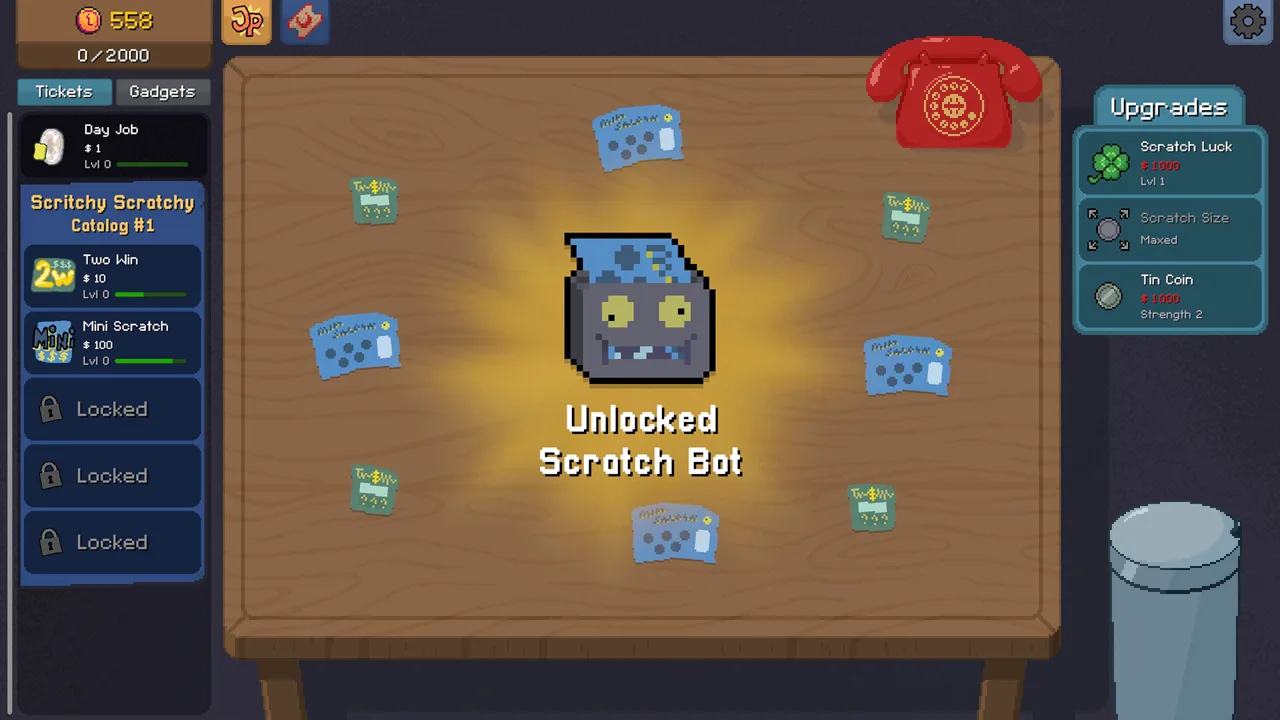 Image: Steam / Lunch Money Games
The listing describes Scratch Bot as an automated helper that scratches tickets. One player’s run starts by washing dishes to earn money, buying early tickets, then improving Scratch Bot, scratch size and speed. That sequence is not guaranteed for every run or version.
| Element | What to know |
|---|---|
| Scratch tickets | The Apple listing describes scratchers with different quirks, surprises, and possible downsides |
| Earning money | Earn money washing dishes, then buy tickets. |
| Scratch-card variants | The listing says new variants can be unlocked as players progress |
| Scratch Bot | The store description presents it as a helper that scratches tickets automatically |
| Prestige | The listing says Prestige resets a run and awards Jack Points for permanent upgrades |
That individual run shifts from manual scratching toward an automated helper. It also shows the creator buying different tickets as the balance grows. For Scritchy Scratchy mac readers, those details describe the game’s play loop; the Apple listing separately identifies supported device categories.
The App Store description presents several kinds of ticket experiences: some cards offer steady income, while others can pair large potential payouts with penalties or risk to a run. Read each ticket’s in-game description before spending funds on it, especially if its rules or downsides are unfamiliar.
Tickets include Lucky Cat, Sand Dollars, and later Scratch My Back. That player had difficulty recovering the cost of Sand Dollars in that run and felt Lucky Cat performed better after a luck upgrade. Those outcomes can vary between playthroughs and do not indicate fixed odds or universal results.
Progression, upgrades, and prestige
For Scritchy Scratchy mac readers comparing the game’s systems, the game’s progression has two layers: improvements within a run and permanent upgrades between runs. The Apple listing says players can boost odds and payouts, make scratching faster and easier, and unlock new scratch-card variants. It also describes Prestige as a way to reset a run, collect Jack Points, and spend them on permanent upgrades that shape future strategies.
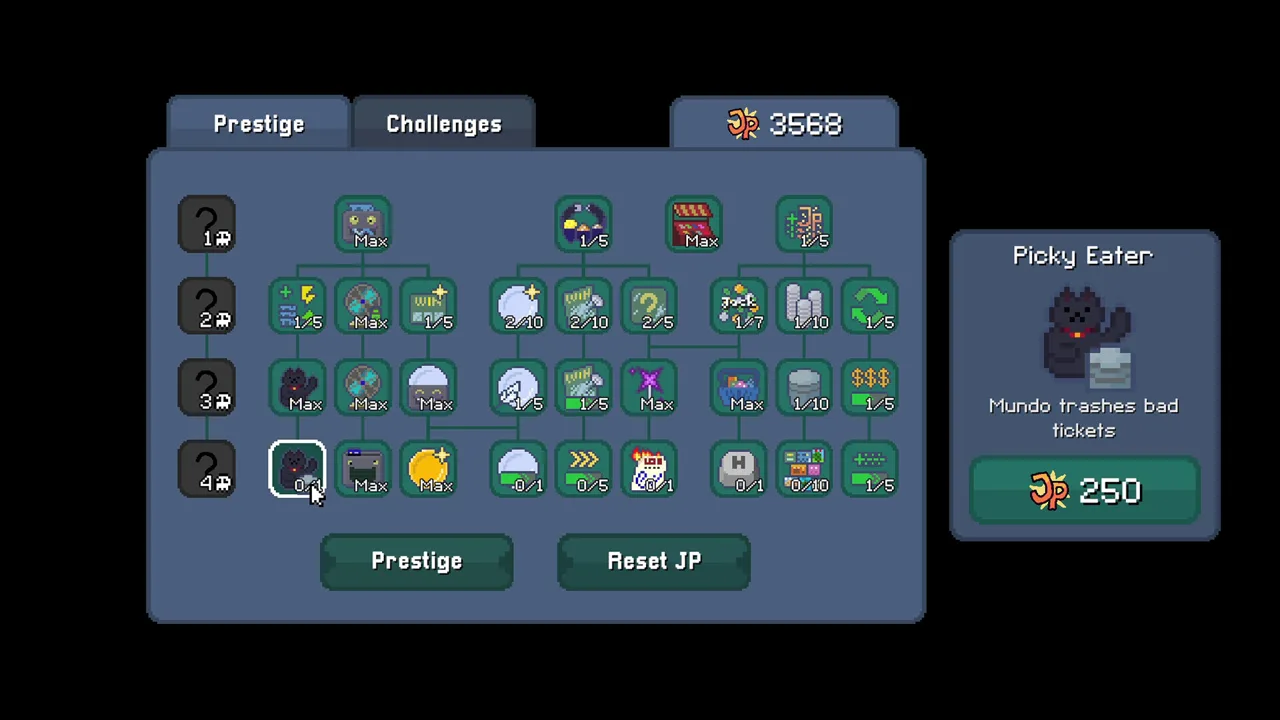 Image: Steam / Lunch Money Games
A version-history entry on the Apple listing says warnings were added before Prestige and abandoning a run. Prestige and Jack Points have distinct roles. Use the in-game descriptions for current details rather than assuming a fixed build order.
| Upgrade area | Effect described by the store | Tip |
|---|---|---|
| Odds and payouts | Upgrades can boost odds and payouts | Compare the listed effect with the ticket rules you are considering |
| Scratching speed | Upgrades can make scratching faster | Check the in-game description to see what the upgrade changes |
| Scratch ease | Upgrades can make scratching easier | Use the stated effect to decide whether it fits your preferred interaction |
| Scratch Bot | Automates scratching | The store describes it as an automated helper |
| Permanent upgrades | Jack Points can be spent on permanent upgrades after Prestige | Check the available upgrade descriptions in the game |
A useful way to consider a purchase is to connect it to one of the effects the store describes: odds, payouts, scratching speed, ease, or access to a new ticket variant. This is a planning tip based on the listed upgrade categories, not a claim that one path is optimal. The Apple description also says that some cards carry penalties or threaten a run, so taking a moment to review a card’s stated rules can help you choose with those risks in mind.
Increase Scratch Bot capacity and speed, improve scratch size, and raise scratch luck. That player also unlocks another catalog, a badge collection, and a ticket called Scratch My Back.
Prestige has both an in-run and between-run role in the listing’s description: it resets a run, provides Jack Points, and lets players purchase permanent upgrades. The listing says these upgrades can shape a strategy, including approaches described as slow and steady, explosive, or chaotic. It does not provide a complete upgrade tree or list the cost of each choice, so use the current in-game information for those specifics.
Is Scritchy Scratchy worth checking out?
Scritchy Scratchy is a scratch-card incremental game with upgrades, automated scratching, different ticket rules, and Prestige. The Apple listing’s event panel announces challenge modes, rewards, and a new “good” ending. It does not detail every challenge or explain the conditions for reaching that ending.
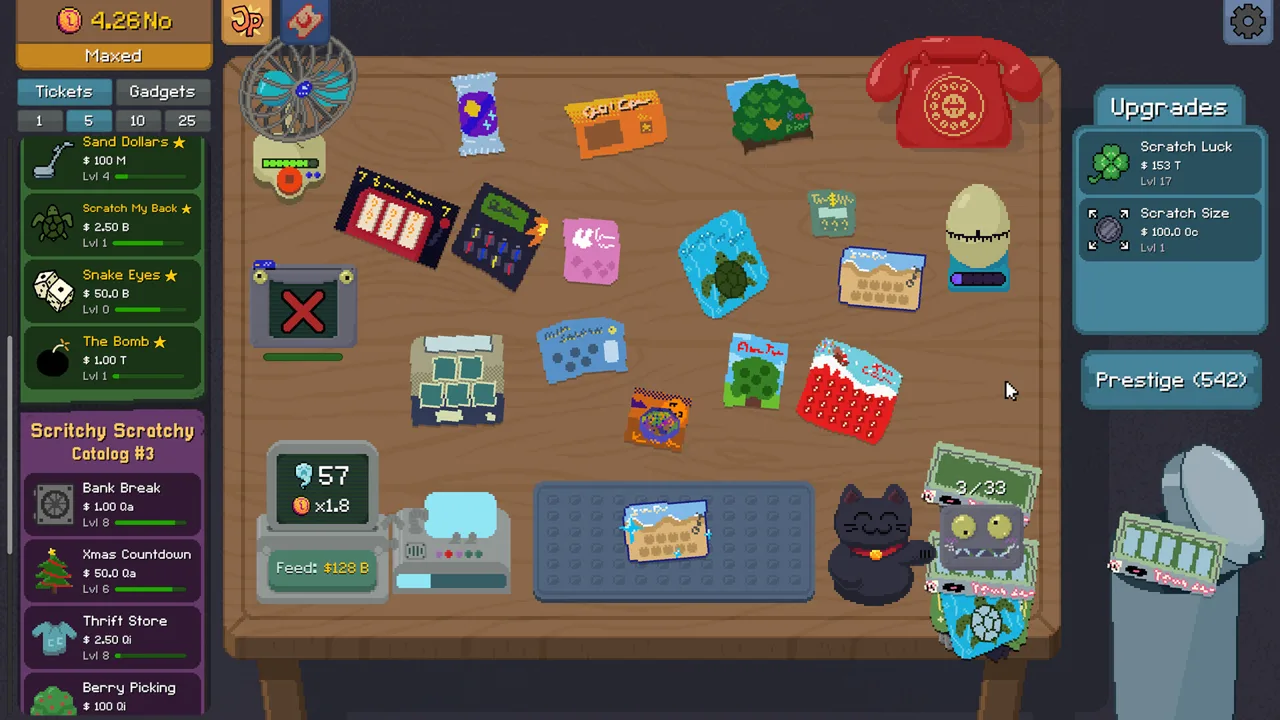 Image: Steam / Lunch Money Games
Store reviews express different views about the amount of content. One reviewer praised the progression and replay loop, while another felt the price did not match the amount of content and described a relatively short route through the catalogs. A separate reviewer wanted more variety between runs. These are individual store review experiences, not a consensus or a promise about how long a playthrough will take.
| Check before you buy | What the available information says |
|---|---|
| Device compatibility | Steam lists macOS with requirements TBD; the Apple product compatibility section lists mobile devices |
| Price and purchase terms | US price: $4.89, with in-app purchases |
| Content and replay style | Store reviews differ on how much content and variety the game offers |
| Simulated gambling label | Apple lists an age rating of 13+ and infrequent simulated gambling |
| Current version details | The listing’s version history includes fixes and updates |
The game is relaxed and satisfying to play while doing other things. The game’s pace may vary for you. The store description also emphasizes scratching tickets, revealing rewards, and using Scratch Bot as the game develops.
For Scritchy Scratchy on Mac, check Steam’s desktop edition and its current requirements. Apple’s mobile compatibility is separate. Tickets, upgrades, Scratch Bot and Prestige make up the play loop; a universal playtime is unspecified.
FAQ
What does the Apple listing say about Mac?
Mac support was unspecified for the Apple version. Steam lists macOS, but its detailed operating system and hardware requirements remain TBD in the archived listing.
What do you do in Scritchy Scratchy?
You scratch virtual tickets to reveal symbols and possible rewards, then use upgrades and Scratch Bot automation as described in the store listing. Tickets can have different rules and may include downsides.
Does Scritchy Scratchy have permanent upgrades?
Yes. The Apple listing says Prestige resets a run and awards Jack Points that can be spent on permanent upgrades.
Is Scritchy Scratchy a casual game to play alongside other activities?
It is relaxed and satisfying to play while doing other things. How much attention the game requires may vary for you.
Continue with
 Scritchy Scratchy Pc: Steam Features, Tickets, and UpgradesExplore Scritchy Scratchy on Steam, including ticket types, Scratch Bot, accessibility features, the listed demo, and store details about the PC release.
More in Platforms
Scritchy Scratchy Release Date: Platforms & Demo Guide
Scritchy Scratchy release date was March 18, 2026. Explore Windows and Mac support, Steam Deck compatibility, the free demo, pricing, and gameplay tips.
Scritchy Scratchy Cross Platform Saves: Transfer Guide
Scritchy Scratchy cross platform saves move progress between PC and mobile. Learn how to export, import, and keep your save string ready for transfers.
Scritchy Scratchy Xbox: Availability and Platform Guide
Scritchy Scratchy was unavailable on Xbox Series X|S and Xbox One on April 1, 2026. Explore Steam features, platform links, and available ways to play.
Scritchy Scratchy Android: Price, Features, and Gameplay
See what Scritchy Scratchy offers on Android, including its price, scratch tickets, Scratch Bot, upgrades, and Prestige system. Includes tables and an FAQ.
Join the community
Official channels for news, updates and player help: